What is Branded Mobile App
BMA Features Built for Organizations
Course Content & Activities
Messaging
QR Code Login
Custom Notifications
Grades & Progress
Calendar
Unlimited Offline Learning
Mobile Engagement Analytics
Push Notifications
Fully Branded App
Multi-Site Support
BMA Portal
Course Content & Activities
Give learners convenient access to courses, learning resources, quizzes, assignments, and other Moodle activities.
Grades & Progress
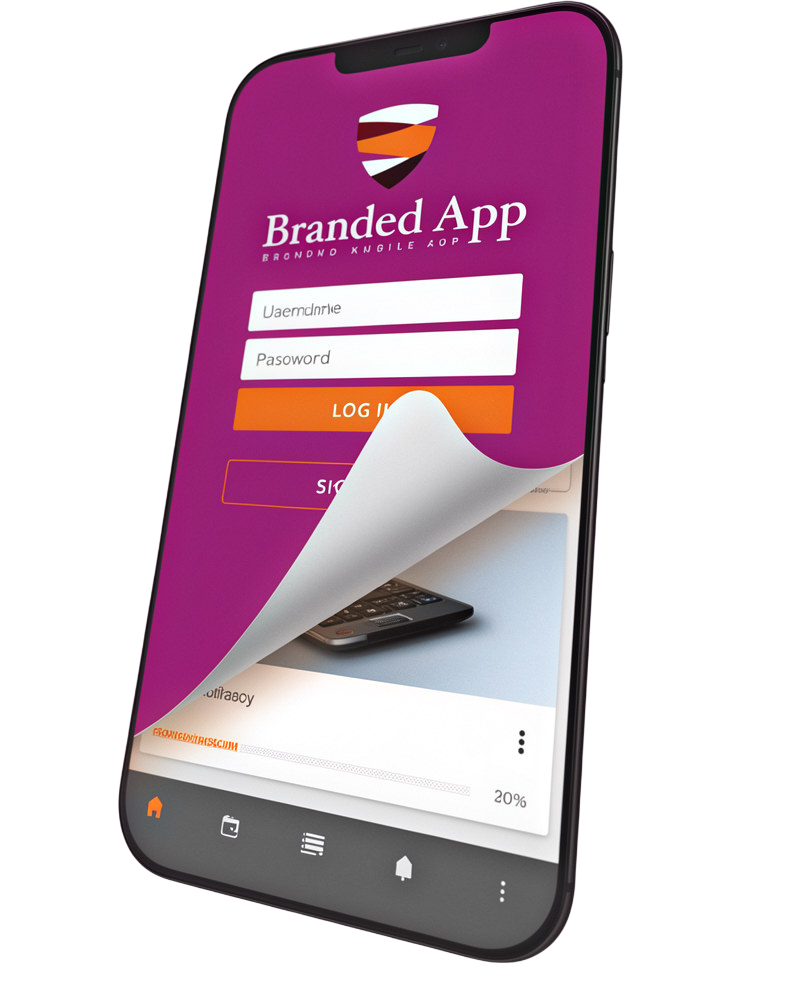
Learners can check grades and track their learning progress directly from their mobile devices.
Push Notifications
Keep learners informed about messages, forum posts, quiz submissions, upcoming activities, and other important events.
Messaging
Enable learners to communicate with peers and educators through Moodle’s messaging functionality.
Calendar
- Help learners stay on top of upcoming events and deadlines with a mobile calendar and reminders.
Fully Branded App
- Create an app that carries your organization’s identity and is available under your organization’s name in the app stores.
QR Code Login
- Make access easier with QR code login, reducing the need for users to manually enter their credentials.
Unlimited Offline Learning
- Allow users to download unlimited courses to their mobile devices for offline access.
Multi-Site Support
- Connect multiple Moodle sites through a single Branded Moodle App—particularly useful for organizations managing multiple learning environments.
Custom Notifications
- Reach your mobile users through centralised push notifications and customise how messages are presented on their devices.
Mobile Engagement Analytics
- Understand how learners interact with your mobile learning environment and use these insights to improve engagement.
BMA Portal
-
Manage key mobile app functions through the BMA Portal, including push notification statistics, customised notifications, additional configuration options, and access to support.
BMA Enhancing Different Sectors

Employee Training
Bring onboarding, compliance training, professional development, and skills training to employees wherever they are.

Higher Education
Give students convenient mobile access to courses, activities, grades, messages, and academic resources.

K–12 Education
Extend digital learning beyond the classroom and provide students and teachers with a mobile learning environment.

Government & Public Sector Training
Reach distributed teams and learners with a flexible learning platform that works across locations and connectivity conditions.

Professional & Continuing Education
Give learners the flexibility to access training and complete learning activities around their schedules.
Frequently Asked Questions
Here are some FAQs that clients asked about Moodle LMS
1. Who maintains the app?
Moodle maintains and updates the underlying app framework. Your branded version stays aligned with Moodle App releases.
2. Is the Branded Moodle App GDPR compliant?
Yes. Hosting and infrastructure follow Moodle’s GDPR-compliant standards.
3. How long does it take to launch?
Timelines vary depending on store approvals and readiness, but most organisations move from consultation to launch in a matter of weeks.
4. Does this include Moodle App Premium?
Yes. The Branded Moodle App includes Moodle App Premium as part of the service.
Built for Moodle. Backed by Moodle.
As a Moodle Premium Partner, Nephila Web Technology Inc. can help you explore how a Branded Moodle App can fit into your existing Moodle ecosystem.